Organic Weapon Design Tutorial
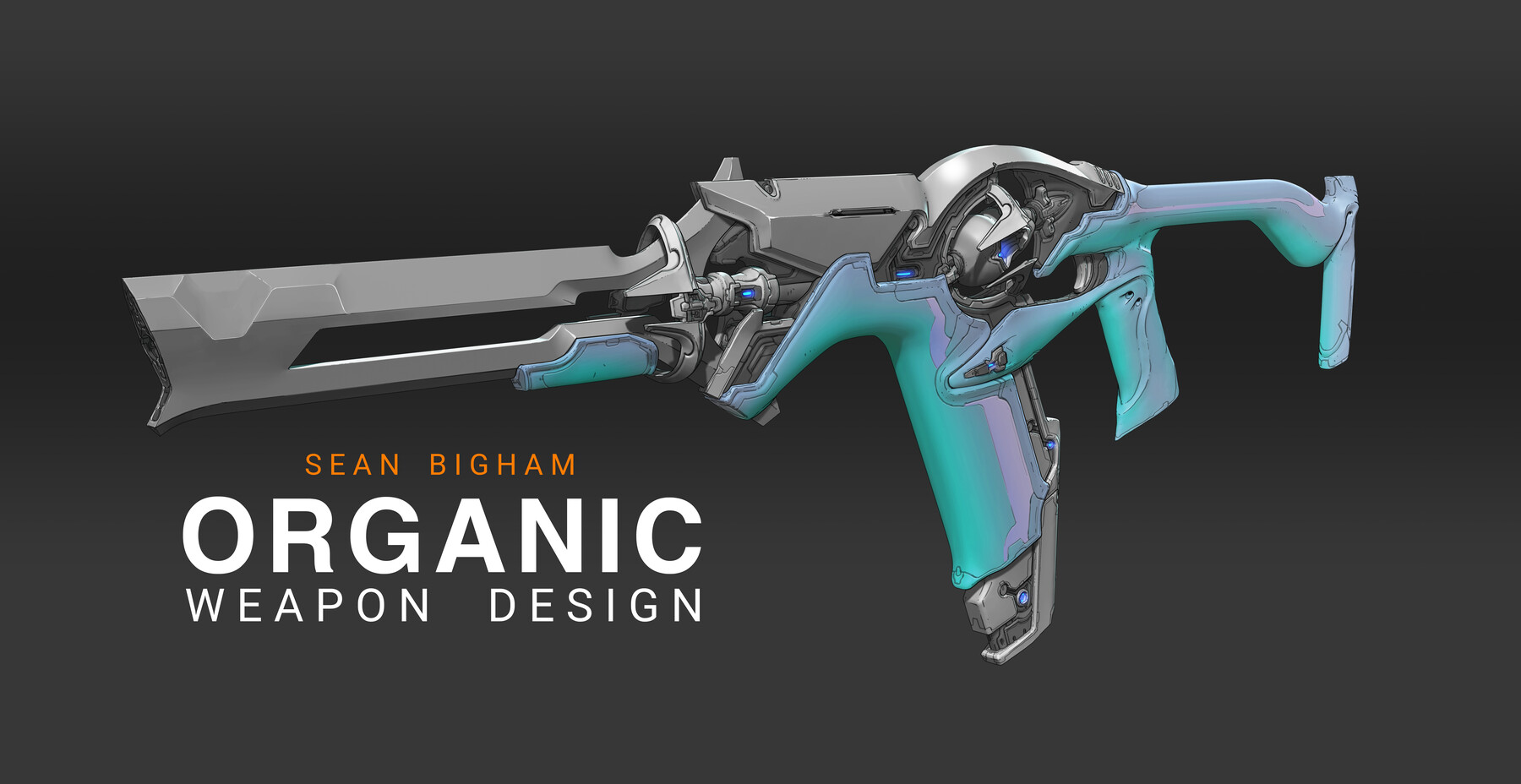
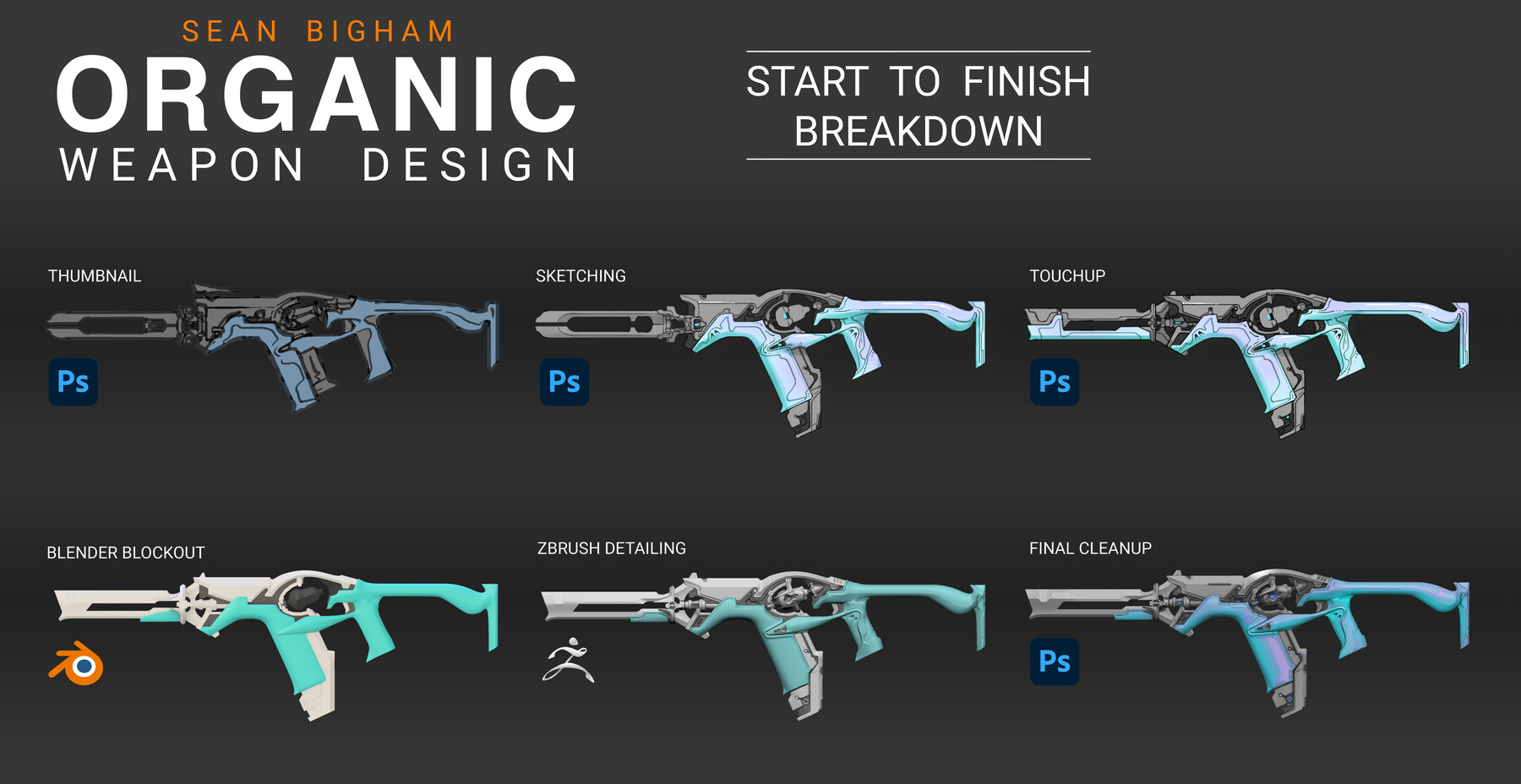
In this tutorial I will teach you my approach for concepting an Organic Weapon. This will cover my entire 2d and 3d workflow from brief to a final deliverable of a resolved design, ready to be sent to a 3D artist for production.
WHO AM I?
I'm a Senior concept artist at Riot games currently working on VALORANT as a weapons designer on the Premium Content Team. Before this, I spent 7 years working on Warframe where I had the opportunity to work extensively on the creation of organic weaponry which has become a passion of mine and is something I still don't see explored often enough. I am also a teacher for Syn Studios' Concept Art Diploma Program where I teach courses on Design Fundamentals and Vehicle/Prop Design. To see more examples of my approach and weapons I've worked on in the past you can check out my ArtStation page here: https://www.artstation.com/bigham
Preview Video can be viewed here:
https://www.youtube.com/watch?v=5jWhZPyJnAI&ab_channel=SeanBigham
WHAT YOU GET:
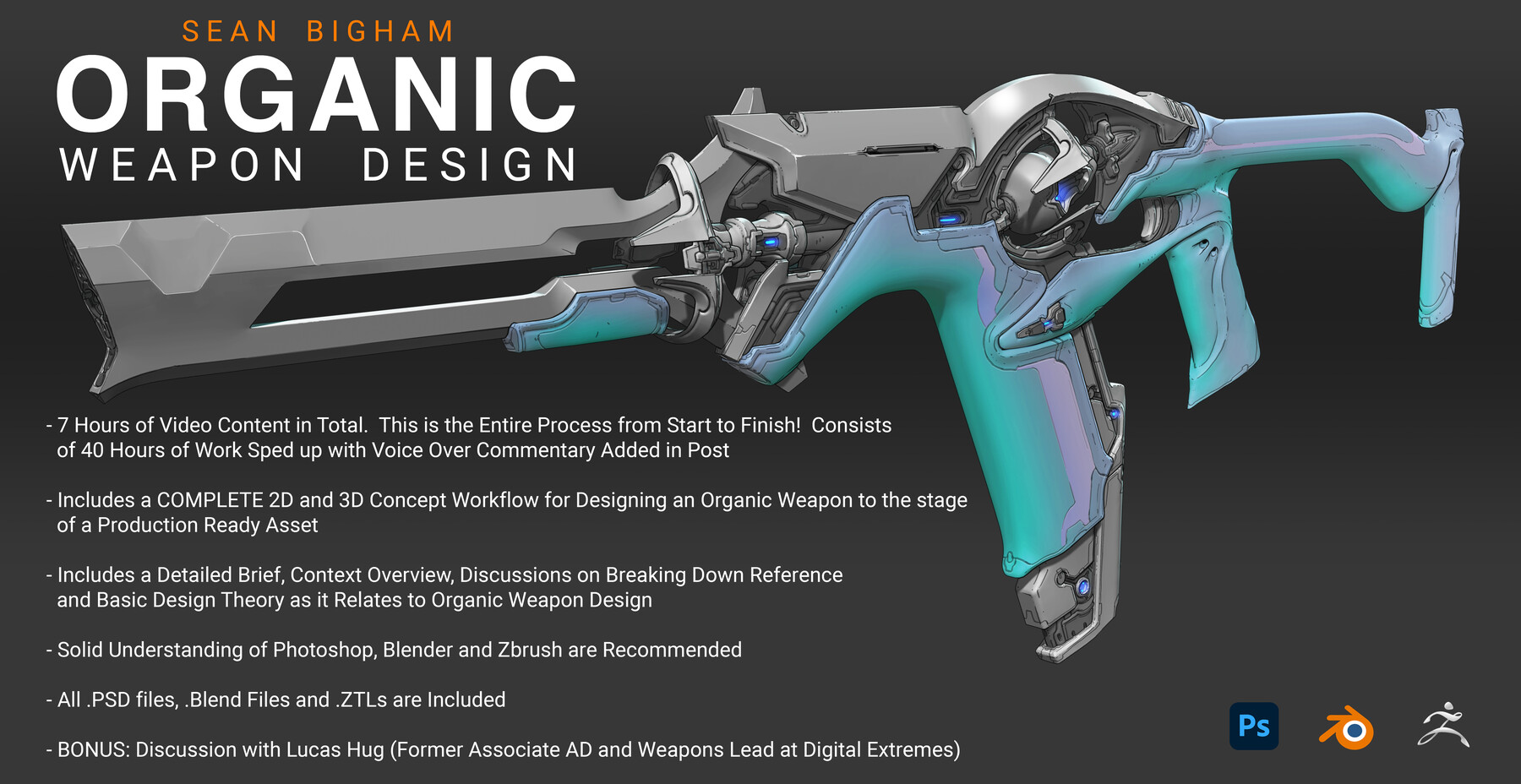
- 7 hours of video content in total. This is the entire process from start to finish: Nothing is skipped! Demo consists of 40 hours of work sped up with voice over commentary added in post.
- Includes video presentations detailing the Brief, a Context Overview, discussions on breaking down Reference and Basic Design Theory as it relates Organic Design.
- Includes a COMPLETE 2D and 3D Concept Workflow for Designing an Organic Weapon to the stage of a Production Ready Asset.
- All .PSD files, .Blend Files and .ZTLs are included (along with a trim brush i use a lot), along with the final .png images and my pure ref file.
- BONUS video Discussion with Lucas Hug (Former Associate Art Director and Weapons Lead at Digital Extremes)
** This is not a tutorial on how to model in either Zbrush or Blender but I will break down the tools I use and show you my entire process in these programs.
Release Notes
I've recently raised the price on artstation - Please purchase the tutorial through gumroad for MASSIVE SAVINGS instead please and thank you!
https://artofbigham.gumroad.com/l/HAwVy
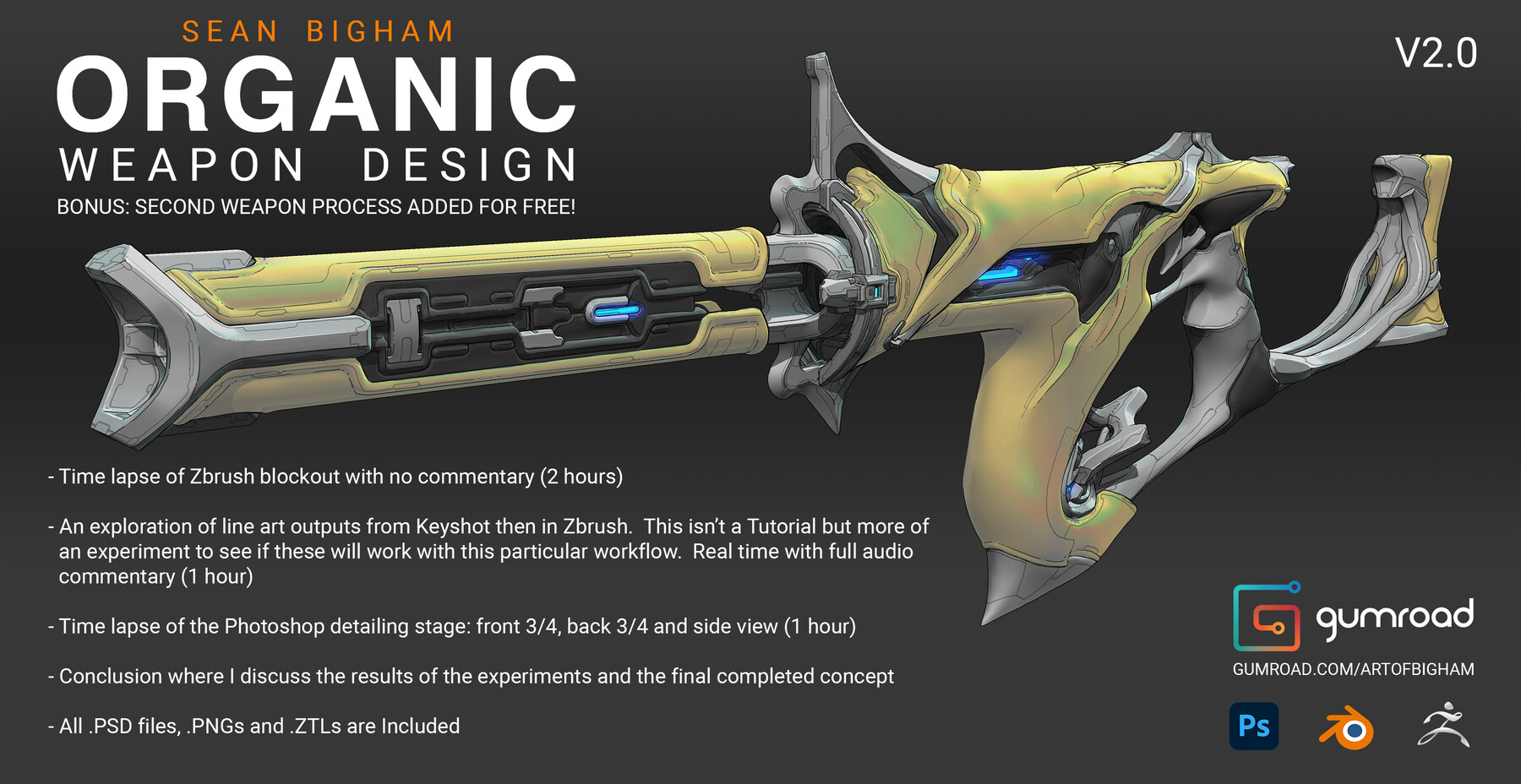
V2.0 - BONUS SECOND WEAPON PROCESS ADDED!!!
- Time lapse of Zbrush block out with no commentary (2 hours)
- An exploration of line art outputs from Keyshot then in Zbrush. This isn’t a Tutorial but more of an experiment to see if these will work with this particular workflow. Real time with full audio commentary (1 hour)
- Time lapse of the Photoshop detailing stage: front 3/4, back 3/4 and side view (1 hour)
- Conclusion where I discuss the results of the experiments and the final completed concept
- All .PSD files, .PNGs and .ZTLs are Included.